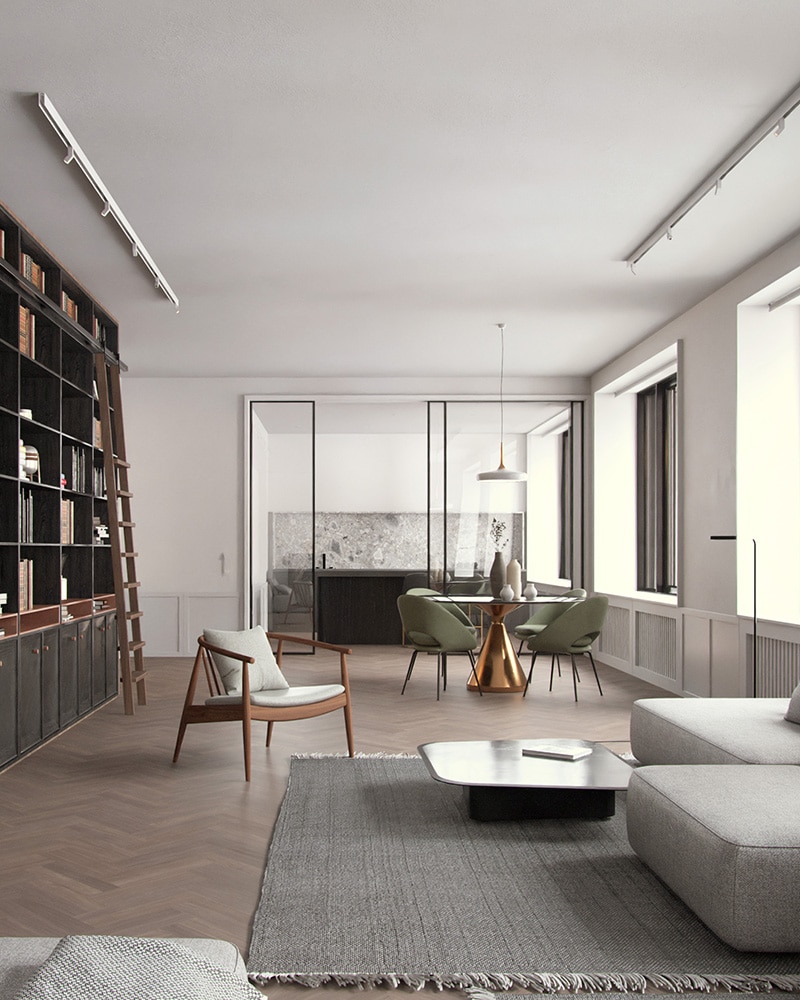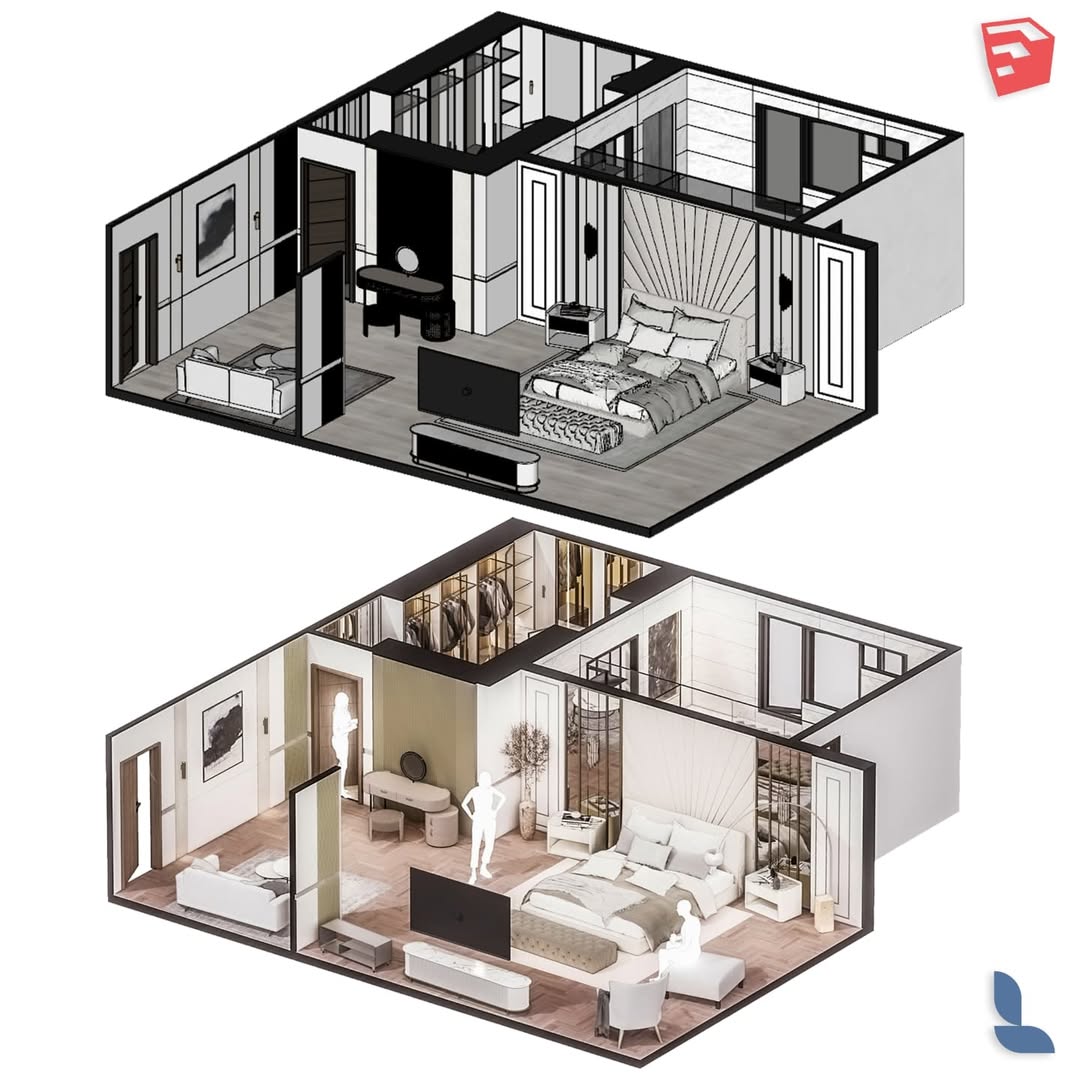
Interior Design With SketchUp & Lumion
Interior Design with SketchUp & Lumion
II. COURSE DESCRIPTION
The course is oriented toward learning the complete process of developing an interior design project, from space conceptualization to the creation of realistic visualizations. During the course, participants will learn how to model interior spaces in SketchUp, apply materials and lighting, and produce professional renders using Lumion, enabling them to effectively communicate their design proposals. The course has a practical approach through the development of an interior design project.
III. GENERAL OBJECTIVE
To develop skills for designing, modeling, and visualizing interior design projects using 3D modeling and rendering tools.
IV. COMPETENCIES TO BE ACQUIRED
By the end of the course, the participant will be able to:
- Understand the basic principles of interior design.
- Model interior spaces in SketchUp.
- Apply materials, furniture, and lighting to the project.
- Generate realistic renders using Lumion.
- Visually present an interior design project.
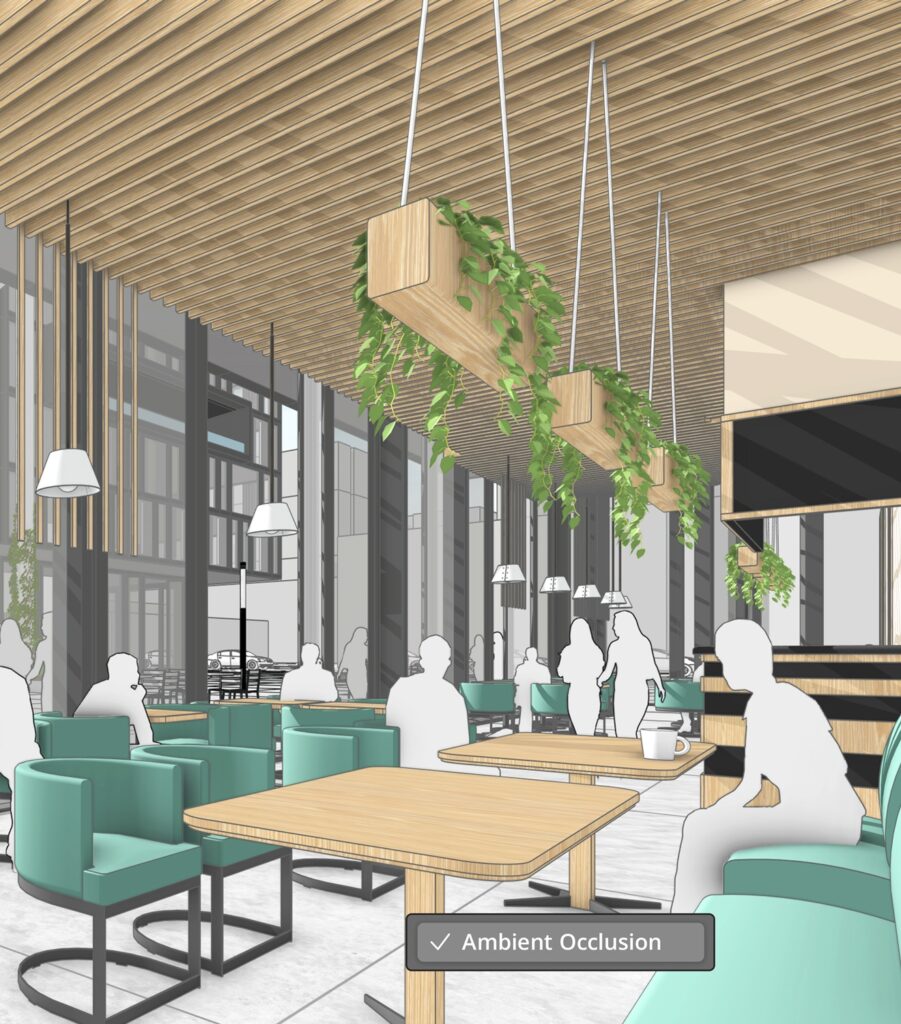
- Silabus
V. MODULAR STRUCTURE
5.1. MODULE 1: Introduction to Design with SketchUp (3h)
Program interface
Drawing tools
Shadows, materials, and textures
Measurements and scaling
Basic interior design concepts
Drawing and exporting section plans
Creation of animations and diagrams
View projection in the workspace
5.2. MODULE 2: Interior Space Modeling in SketchUp (4h)
- Creation of walls, floors, ceilings, slabs, doors, and windows
- Furniture insertion
- Volume generation
- Use of guide lines and offset tools
- Organizing architectural elements
- Locking elements
5.3. MODULE 3: Materials, Furniture, and Styling (5h)
- Material libraries
- Texture configuration
- Furniture libraries
- Application of materials in architectural modeling
- Editing color, dimensions, and orientation of materials
- Model preparation for rendering
5.4. MODULE 4: Introduction to Design with Lumion (4h)
- Lumion interface
- Importing the model from SketchUp and object editing
- Menu configuration (quality, resolution, proxy, recovery, units, axis)
- Application of realistic materials
- Light placement and lighting configuration
- Material library in Lumion
- Scenes and environment
5.5. MODULE 5: Rendering and Visualization in Lumion (5h)
- Cameras and composition
- Render settings
- Camera and weather effects
- Rendering
- 360 panorama and virtual tour creation
- Animation and keyframes
- Sun and lighting effects, reflections. Two-point perspective and real skies, color correction, exposure, reflections, shadows, and skylight
- Effects and motion, sound, and textures
VI. DELIVERABLES
- Furniture libraries
- Textures and materials
- Editable SketchUp & Lumion files
VII. TEACHING METHODOLOGY
- Technical classes applied to real projects
- Practical demonstrations using SketchUp and Lumion
- Step-by-step guided exercises
- Development of an applied project
VIII. EVALUATION SYSTEM
- Practical exercises: 30%
- Calculation development: 20%
- Final project: 40%
- Participation: 10%