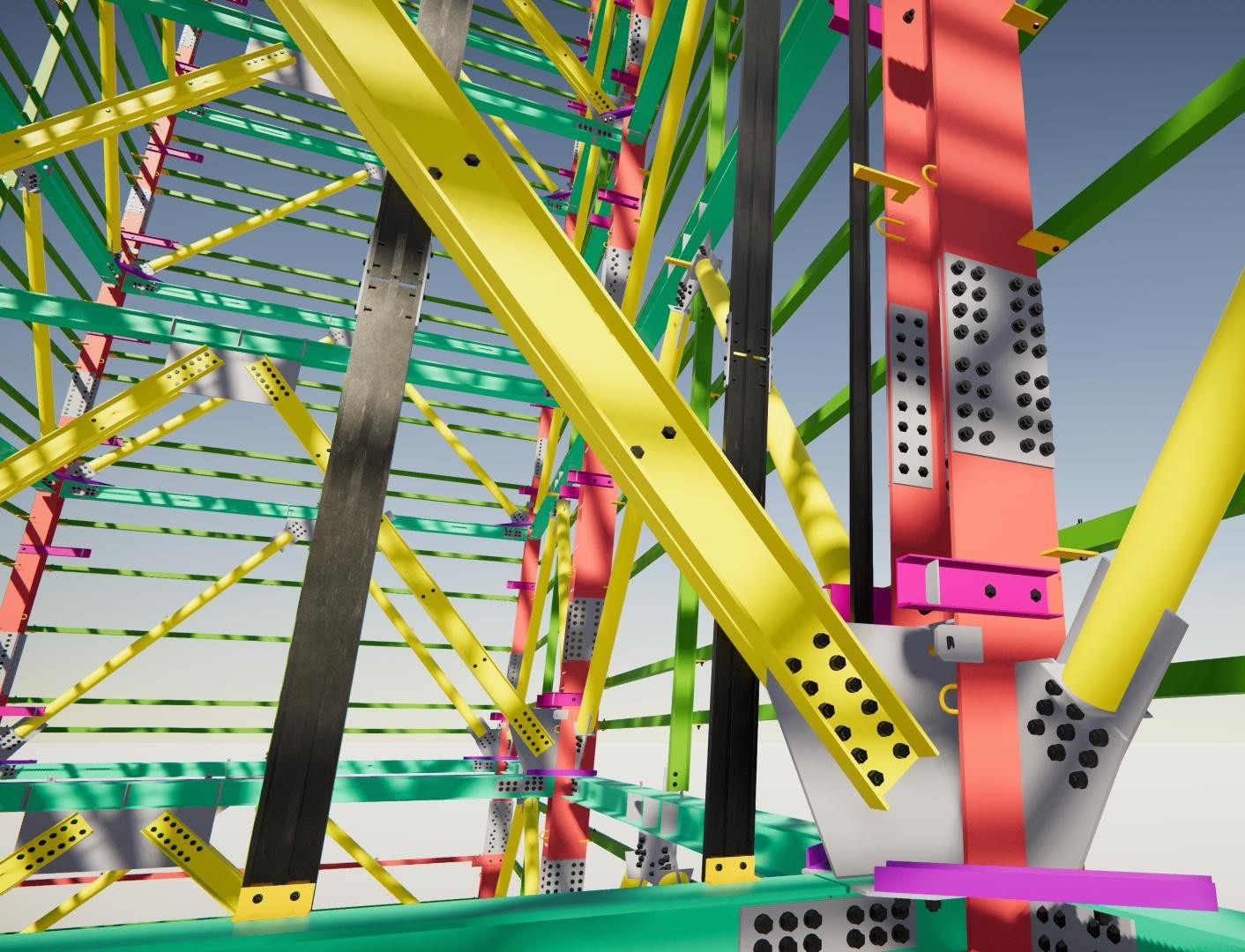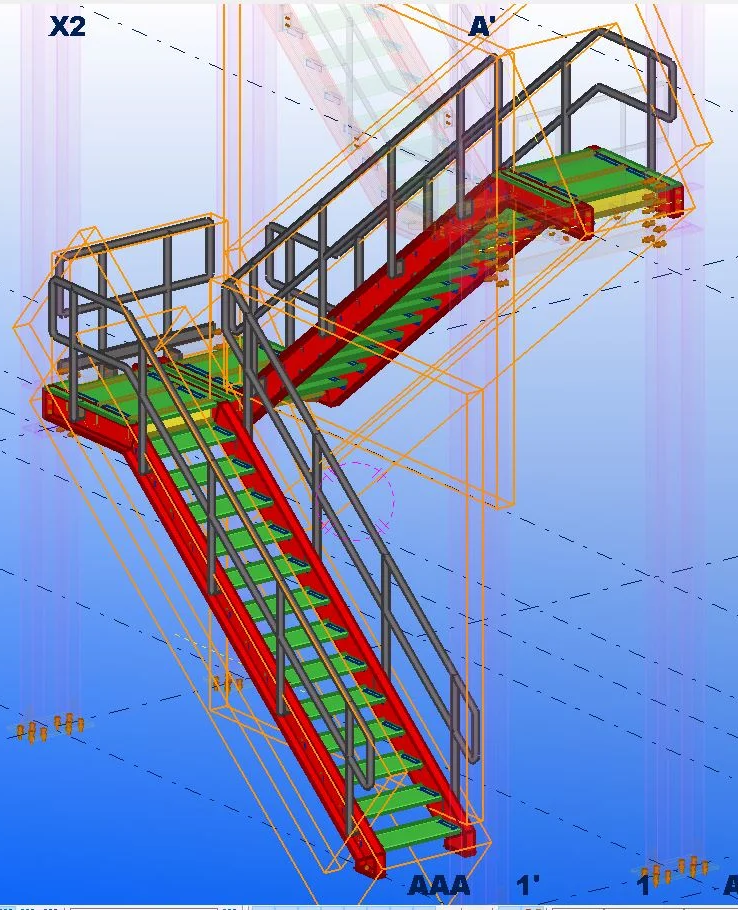
Structural Steel Modeling with Tekla Structures
Structural Steel Modeling with Tekla Structures
II. COURSE DESCRIPTION
This course develops skills in BIM modeling for structures using Tekla Structures, with a focus on generating construction models, technical documentation, and managing structural information within engineering projects.
The course will cover BIM-oriented workflows applied to design, fabrication, and construction, enabling professionals to optimize the coordination of steel-focused structural projects and the production of technical documentation. During the course, participants will develop a structural model applied to a practical engineering case study.
III. GENERAL OBJECTIVE
To develop professional skills in the use of Tekla Structures for structural BIM modeling, enabling the generation of detailed construction models, technical documentation, and information reports for engineering projects.
IV. SKILLS TO BE ACQUIRED
Upon completion, the participant will be able to:
Implement BIM workflows for structural modeling.
Set up structural projects in Tekla Structures.
Model steel or concrete structural elements.
Create parametric structural connections.
Generate construction drawings from the BIM model.
Extract technical information and reports from the model.
Silabus
V. MODULAR STRUCTURE
5.1. MODULE 1: Introduction to BIM and the Tekla Structures Environment (3 hours)
BIM methodology applied to structural projects
Applications of Tekla Structures in engineering
Software interface
Setting up the work environment
Coordinate systems and grids
Navigating and visualizing the model
5.2. MODULE 2: Structural modeling of the project (4h)
Creating columns and beams
Properties of structural elements
Modification and editing tools
Copying and replicating structures
Organizing the structural model
Toggle switches and Snaps
5.3. MODULE 3: Structural connections and construction details (4h)
Parametric connections in Tekla
Beam–column connections
Base plates
Bolts and welds
Adjusting connection parameters
Checking for clashes
5.4. MODULE 4: Construction tools and technical documentation of the model (5h)
Creating model views
General structural drawings
Fabrication drawings
Construction objects
Sections and chamfers at element corners
Configuring drawing styles
Rendering
5.5. MODULE 5: Model Information Management and BIM Coordination (5h)
Generation of material reports
Material quality
Structural steel columns, beams, and plates
Metal connections
Lists of profiles and components
Model information control
IFC export
Integration with BIM platforms
Using the model for interdisciplinary coordination
VI. TEACHING METHODOLOGY
Project-Based Learning
Software demonstrations
Guided practical exercises
Development of an applied structural project
VII. GRADING SYSTEM
Practical exercises: 30%
Calculation work: 20%
Final project: 40%
Class participation: 10%